sweet shop billing software that bills by weight and by the box
Mithai is priced per kilo, sold in grams and packed into boxes that mix four things. RetailDek handles the weighing counter, the gift-box season and the Diwali queue, then shows you what actually cleared before the next batch goes into the kadai.
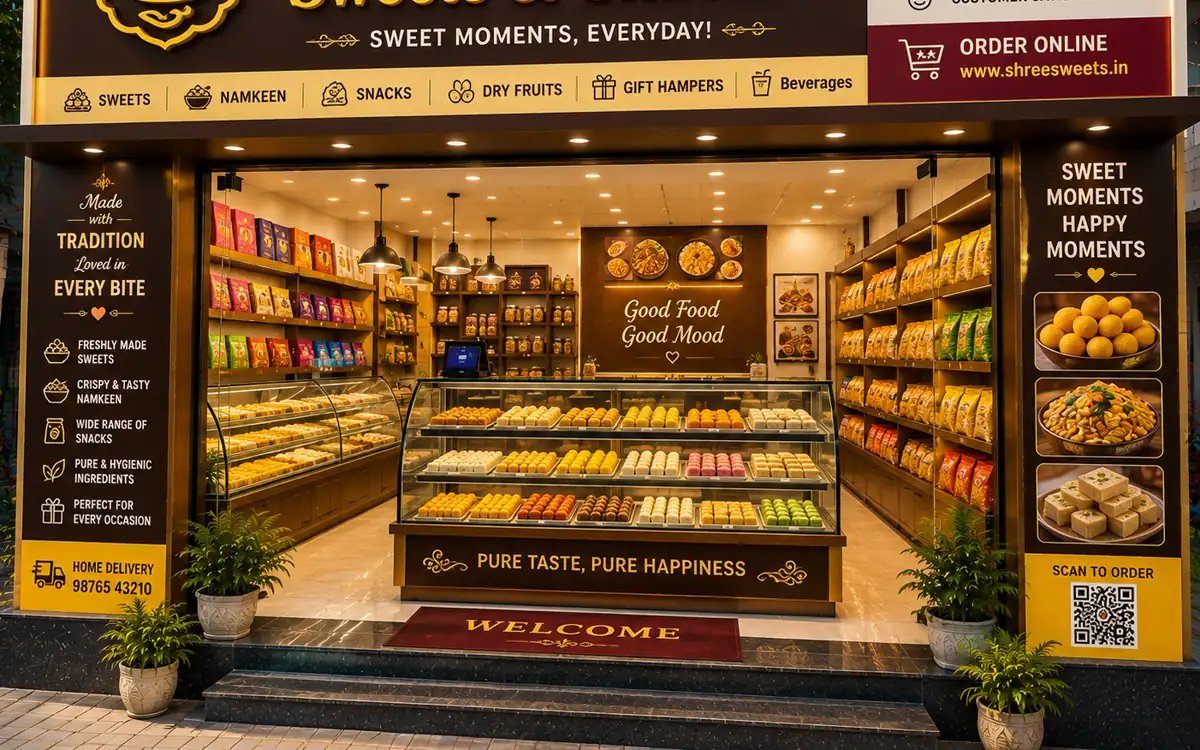
Challenges in sweet shops
The everyday problems this trade knows too well.
Priced per kilo, sold in grams
Three hundred grams of one mithai and two hundred of another is a fresh calculation on every line. The fastest hand at the counter is still the slowest part of the queue.
A gift box hides four products
A festival box holds mithai, namkeen and something wrapped in foil, then goes out under a single price. Nothing afterwards tells you which tray it emptied.
Two days of shelf life
Milk sweets made this morning are a write-off by Thursday. Without a record of what sold against what was made, next week's batch is the same guess again.
One festival week, half the year's cash
Extra counters open, relatives help out and money arrives from three hands at once. That week's books are the ones you can least afford to doubt.
How RetailDek fits
The real features that solve the way sweet shops actually work.
Weight billing in grams and kilos
Enter decimal quantities so 350 g of an ₹880-a-kilo mithai totals itself, prints as a proper GST bill and takes 0.35 kg out of stock.
Combo boxes as a real item
Set each packed box up as its own item with its price, HSN code and barcode, so a festival box scans in one action instead of being re-totalled by whoever is on the counter.
Mixed rates on one counter bill
Sweets and namkeen sit at 5% while chocolate and aerated drinks sit at 18%. Each item carries its own rate and HSN code, so a mixed basket splits CGST/SGST and rounds off on its own.
Tray-by-tray numbers each evening
Item-wise sales in the Day Book and reports show what cleared and what came back, so tomorrow's batch size is decided on figures instead of on a feeling.
Extra counters that still reconcile
Each helper bills under their own POS shift and closes it with counted cash checked against their own sales, so a busy Dhanteras still balances at the end of the night.
A day in the shop
How a typical day flows with RetailDek.
Price the trays and the boxes
Set per-kilo rates for counter mithai and fixed prices for packed boxes, each with its HSN code and GST rate — import the whole list from Excel if you already keep one.
Weigh, bill, next
Type the grams or kilos on the counter screen, add the boxes, take cash or UPI and print. Stock comes down as the bill saves.
Close and plan the batch
Count the drawer against the shift's sales, then read item-wise sales to decide how much khoya and how many boxes tomorrow needs.
Built around your counter
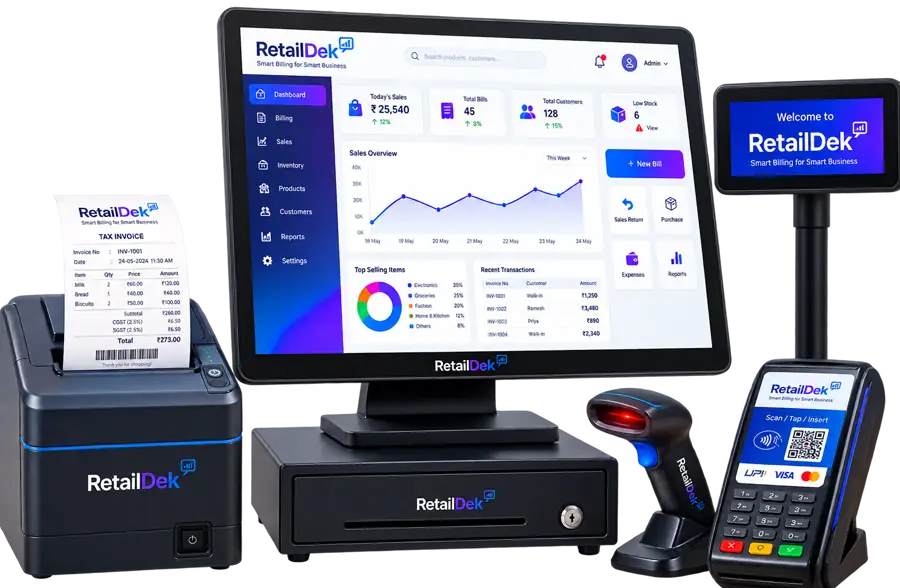
A quick look at how sweet shops come together on screen — clear totals, live figures, and nothing to re-key.
- Weight billing in grams and kilos
- Combo boxes as a real item
- Mixed rates on one counter bill
Features that matter most here
The parts of RetailDek sweet shops lean on every day.
Sweet Shops — FAQs
Answers to the questions owners in this trade ask most.
Yes. Quantities take decimals, so 350 g of a mithai priced per kilo is billed correctly and the same 0.35 kg comes out of stock without a manual adjustment afterwards.
Run your sweet shops on RetailDek
Start free and see it running with your own shop's data in minutes.